🗨️ Overview
This is a simple ball game developed using C++ and OpenGL as a part of my journey into graphics programming. The goal was to get hands-on experience with rendering, animation, and basic physics in a graphical environment.
The game features:
- A bouncing ball rendered using OpenGL
- Interaction with screen boundaries
- Continuous frame rendering and motion
It served as a fun, beginner-friendly way to understand the fundamentals of computer graphics like:
- Drawing shapes
- Handling real-time updates
- Basic transformation matrices
💻 Software Stack
| Layer | Technologies |
|---|---|
| Language | C++ |
| Graphics | OpenGL |
| Rendering | GLUT/GLFW |
| Build Tool | g++, CMake |
🛡️ Why this stack?
- C++ is a staple in systems programming and widely used in game development for its performance and control.
- OpenGL offers a low-level graphics API that allows understanding what goes behind rendering pipelines.
- GLUT/GLFW helps set up windows and handle input with minimal code overhead, perfect for learning and rapid prototyping.
🛠️ Installation & Usage
To run the game locally:
# Clone the repository
git clone https://github.com/your-username/ball-game-opengl.git
cd ball-game-opengl
Compile the project
# If you're using g++
g++ main.cpp -lGL -lGLU -lglut -o ballgame

# OR if you're using CMake
mkdir build
cd build
cmake ..
make
Run the game
./ballgameMake sure OpenGL and GLUT/GLFW libraries are properly installed on your system.
🎮 Game Mechanics
- The ball bounces within the window frame.
- Simple physics simulate gravity and collision.
- Frame updates are handled using the display loop in OpenGL.
- Keyboard input can be added to interact or modify the ball’s behavior.
🖼️ Screenshots
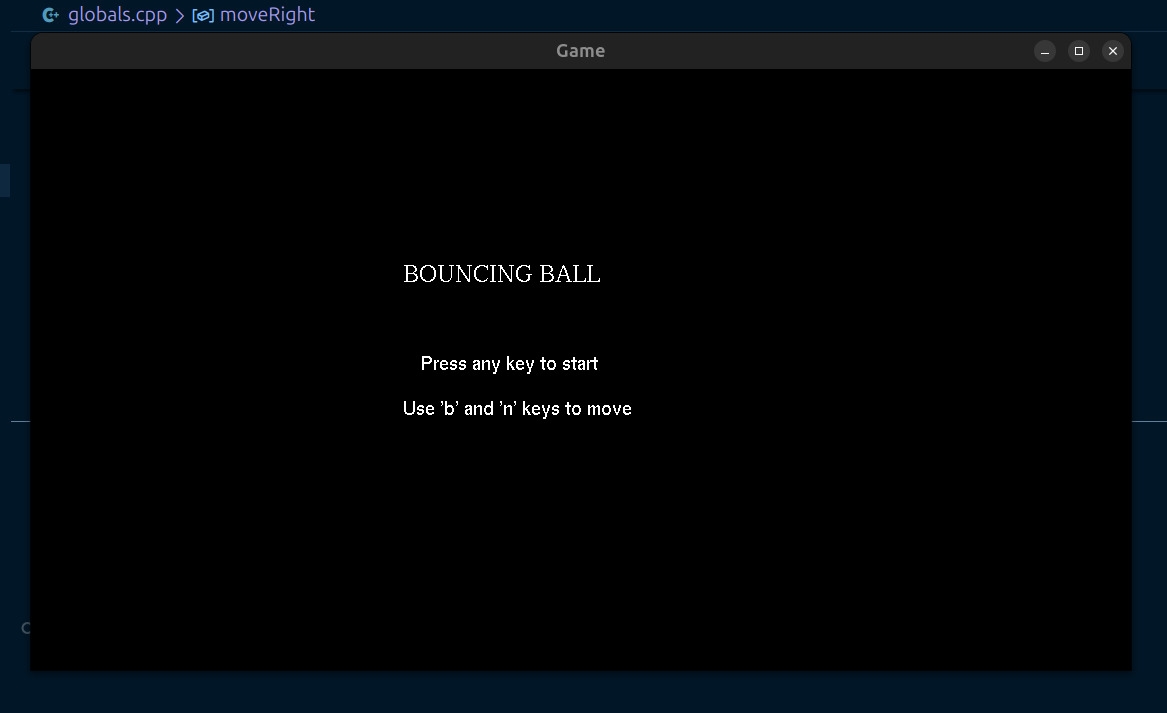
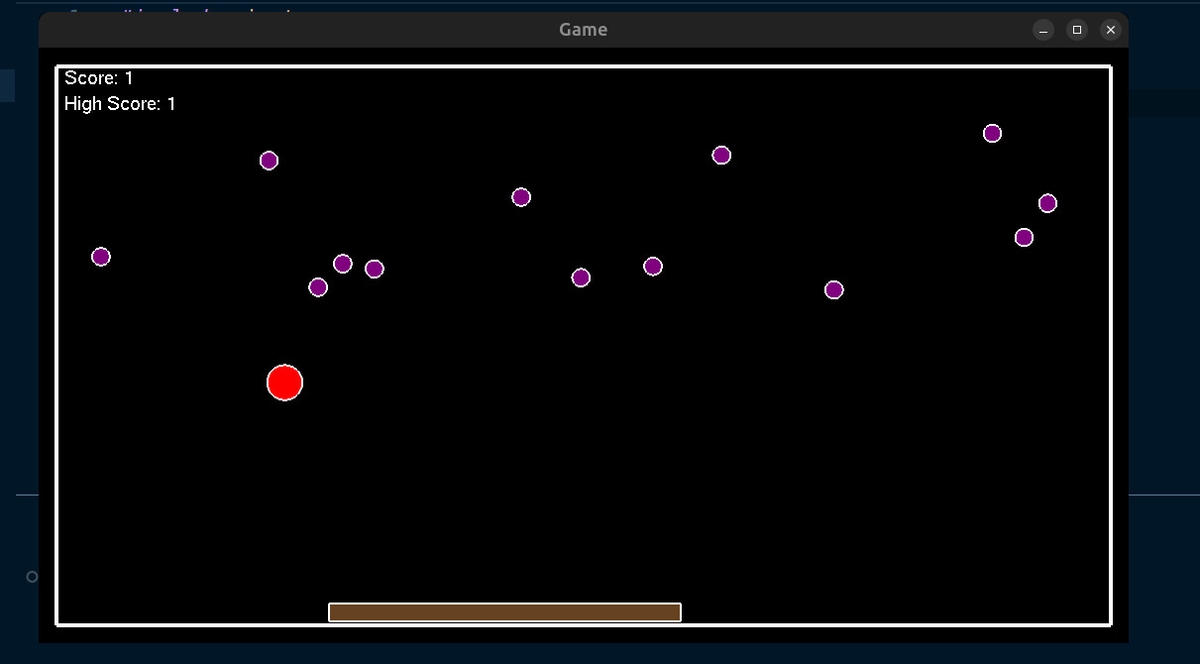
This project was a stepping stone into the world of graphics programming and game development. Great for beginners exploring how rendering and basic animation works behind the scenes.