🗨️ Overview
Dijkstra’s Algorithm Visualization is a desktop application built to help users understand how Dijkstra’s shortest path algorithm works. Through an interactive grid interface, users can:
- Select a starting node and an ending node
- Watch the algorithm traverse through nodes
- Understand how the shortest path is calculated in real-time
This was developed as an educational tool to offer both visual clarity and a hands-on experience of pathfinding logic.
💻 Software Stack
| Layer | Technologies |
|---|---|
| Backend | Django |
| Visualization | Pygame, PyOpenGL |
| Language | Python |
🛡️ Why this stack?
- Django was used as the base backend framework to handle any future web interactions or configurations.
- Pygame provided a simple way to create a 2D grid-based UI for user interaction and rendering the pathfinding steps.
- PyOpenGL was integrated to explore 3D or hardware-accelerated visualization, although the core functionality stays 2D.
- Python is a great choice for prototyping algorithms due to its readability and large community support.
🛠️ Installation & Usage
To run the app locally, follow these steps:
# Clone the repository
git clone https://github.com/your-username/Dijkstra-s-algorithm-visualization.git
cd Dijkstra-s-algorithm-visualization
Install Dependencies
pip install -r requirements.txtRun the App
python main.pyEnsure you have Python 3.8+ and that Pygame + PyOpenGL are correctly installed in your environment.
🧠 How it works
- The app displays a grid layout where each cell represents a node.
- Users click to set the start and end positions.
- Once started, the app visualizes the algorithm:
- Nodes are highlighted as they are visited.
- The shortest path is shown once the destination is reached.
- Obstacles or walls can be added to simulate real-world path constraints.
🖼️ Screenshots
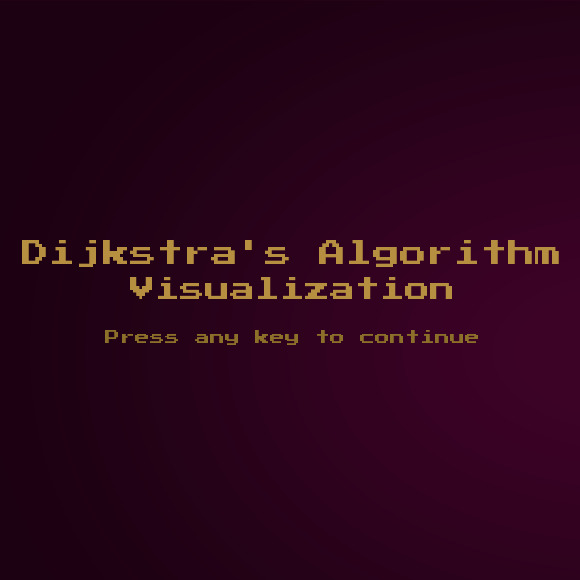
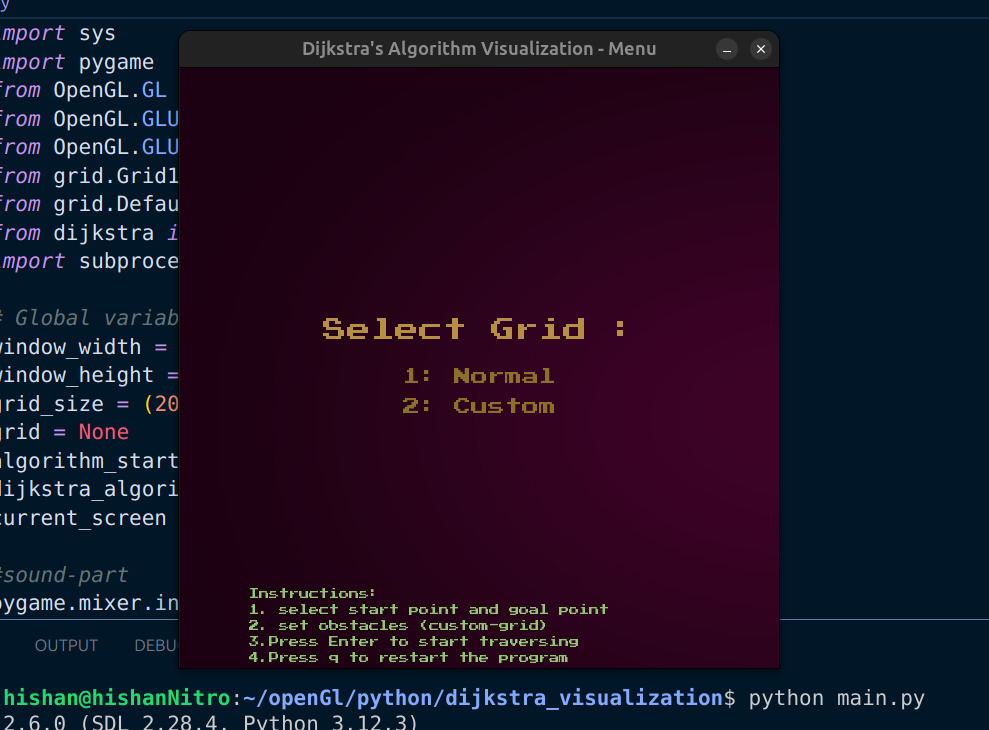
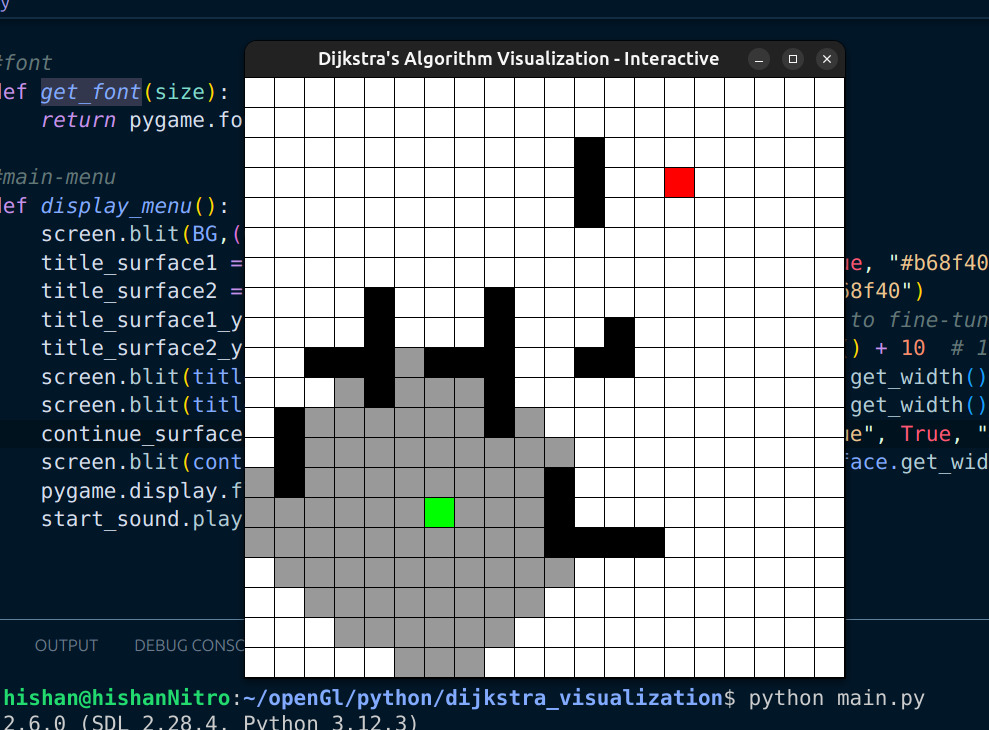
This app was made as a fun and educational project to better understand Dijkstra’s algorithm and real-time visual feedback. Contributions and improvements are welcome!